
The Ultimate Guide to Budget-Friendly Game Streaming Equipment Setup
Diving into the world of game streaming can feel like opening the door to a vast universe of possibilities—and expenses. But what if we told you that you don’t need to break the bank to set up a game streaming station that makes you look like a pro? That’s right! Let’s embark on a journey to create an impressive setup without draining your wallet.
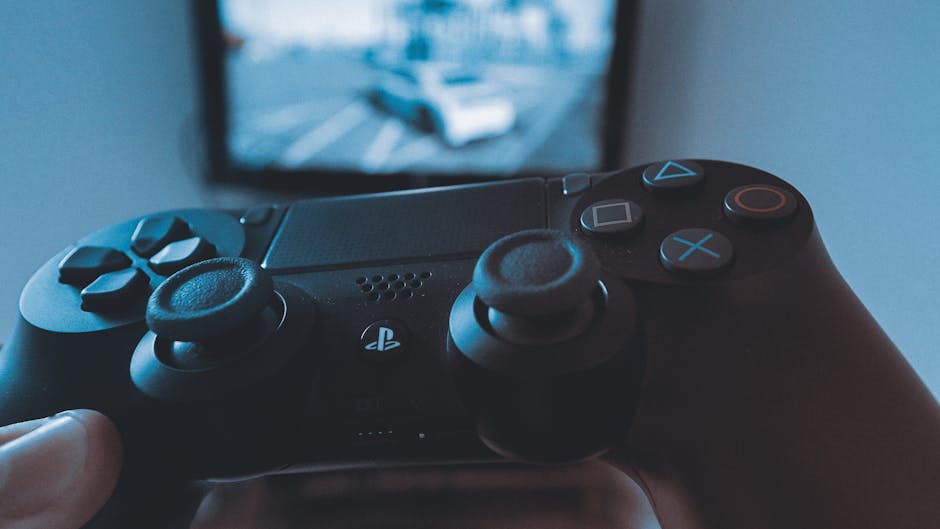
First, let’s talk about the essentials: a reliable PC or console. If you’re a PC gamer, your computer should have at least an Intel i5 processor and 8GB of RAM to handle streaming software smoothly. For consoles, both PlayStation and Xbox have built-in streaming capabilities, so you’re covered. Keep in mind that a mid-range graphics card like the NVIDIA GTX 1660 can provide a significant performance boost without costing a fortune.
Next, consider your streaming software. Open Broadcaster Software (OBS) is a free and highly customizable option that works with both Windows and macOS. It may take some time to learn, but countless tutorials are available online, and the community support is top-notch.
Now, let’s talk cameras. A good webcam is essential for engaging with your audience. The Logitech C920 is a classic choice among streamers, offering 1080p resolution at an affordable price. Alternatively, if you have a smartphone with a decent camera, apps like EpocCam can turn your phone into a webcam, giving you quality visuals without the extra expense.
Lighting is another critical component. Instead of splurging on professional lights, you can use LED desk lamps or even DIY ring lights made from cheap LED strips. Positioning your lights at a 45-degree angle from your face will help minimize shadows and create a more professional look.
Your microphone is perhaps the most important piece of your setup, as audio quality can make or break a stream. The FIFINE USB microphone offers excellent sound quality for its price, and a pop filter will further enhance clarity by reducing unwanted noise.
For the aesthetic side, consider using virtual backgrounds if your streaming area is less than picturesque. OBS offers plugins that can add dynamic backgrounds to your stream, enhancing the visual experience for viewers.
Finally, optimize your internet connection. A wired Ethernet connection is ideal, as it offers more stability than Wi-Fi. If that’s not an option, consider upgrading your router to one that prioritizes gaming traffic.
In summary, setting up a game streaming station doesn’t require a fortune. By being strategic with your purchases and making use of the resources you already have, you can create a professional and engaging streaming experience. With a bit of creativity and some smart investments, you’ll be ready to broadcast to the world without breaking the bank.